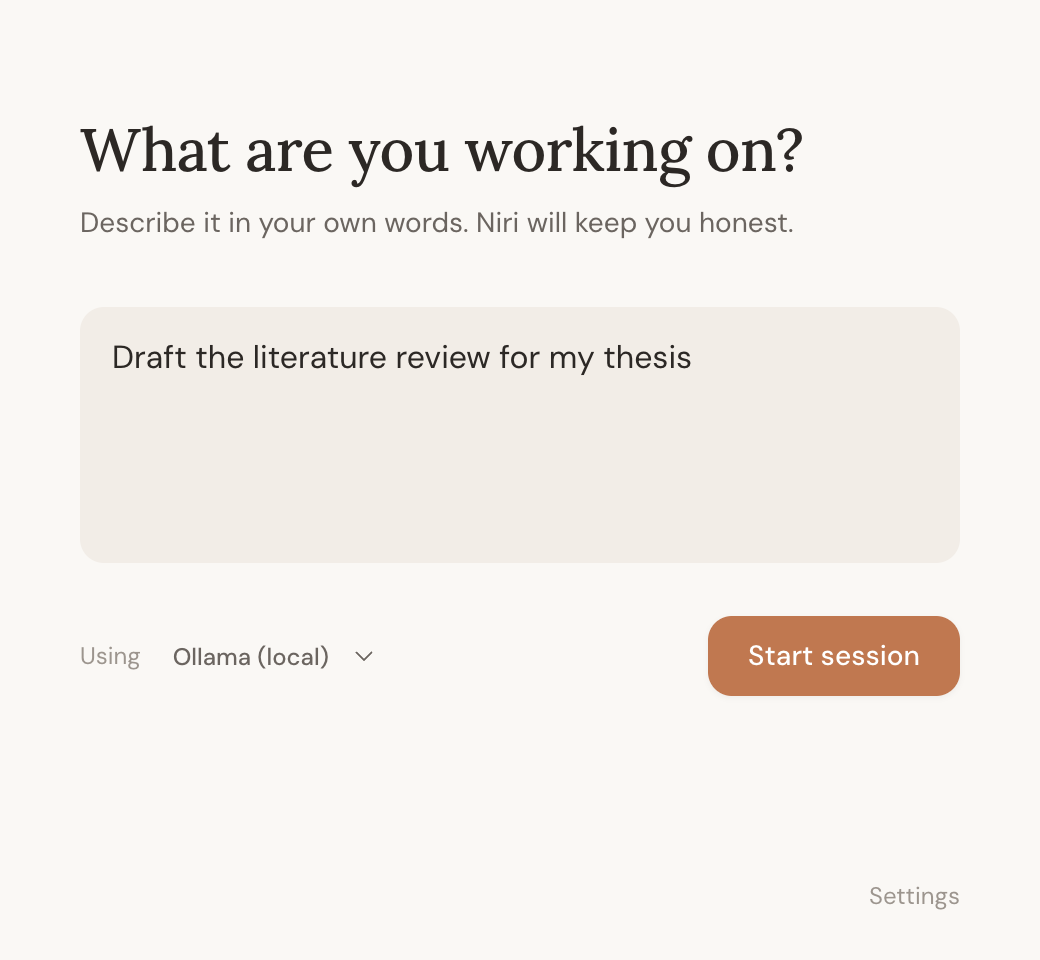
say what you're working on
type your goal the way you'd say it out loud. no blocklists to build, no rules to maintain.

a focus companion that knows what you're working on
coming soon · free · macOS 12 or later, apple silicon & intel · one email at launch
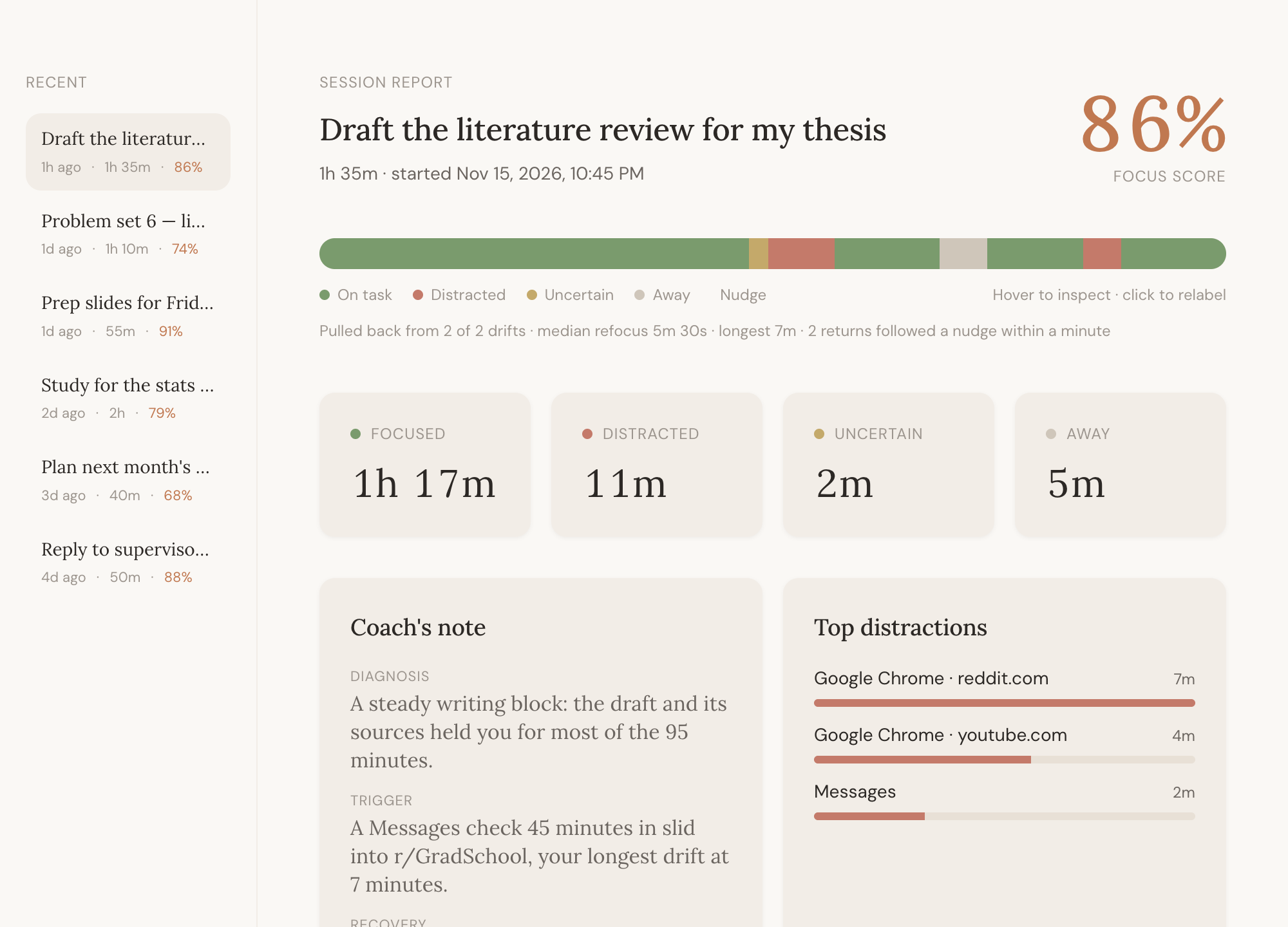
website blockers know domains. niri knows intent. a youtube lecture for your stats class and a youtube rabbit hole look the same to a blocklist. niri reads what's actually on the window and checks it against the goal you typed.
type your goal the way you'd say it out loud. no blocklists to build, no rules to maintain.
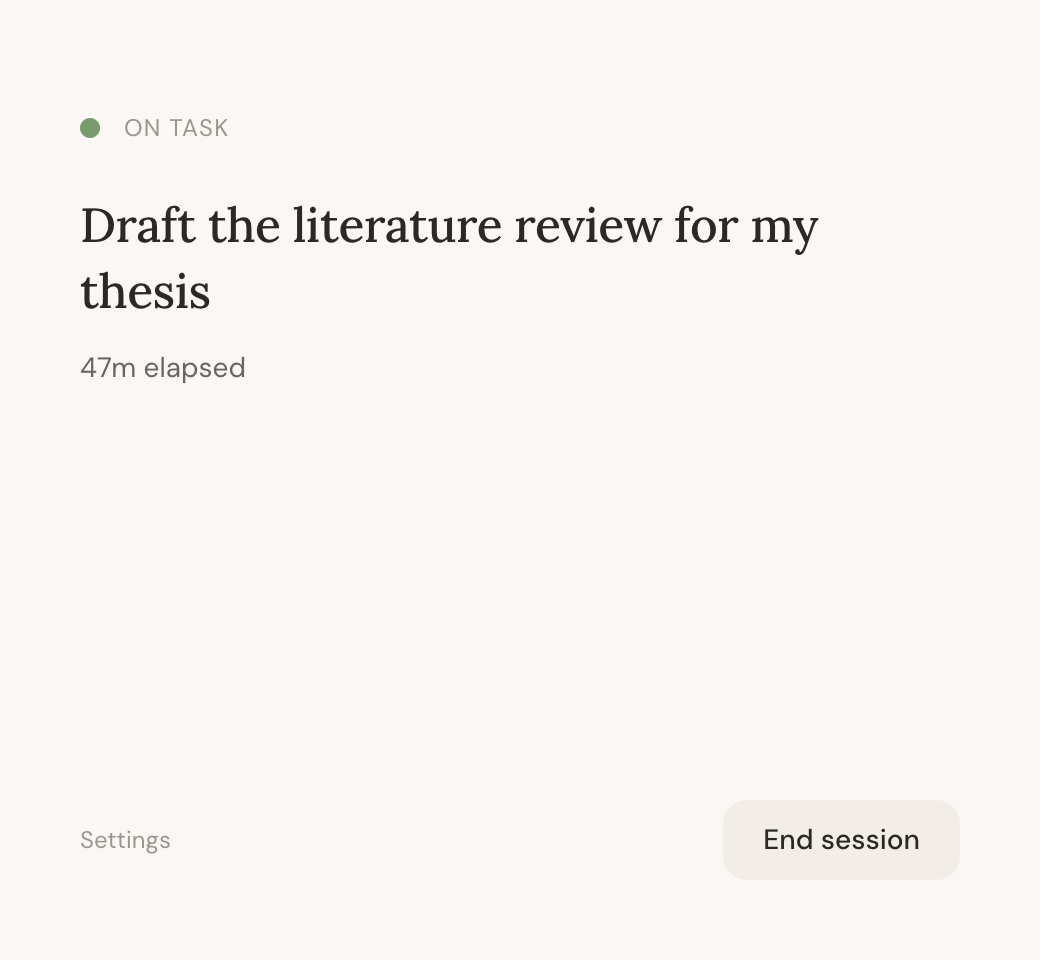
niri sits in your menu bar while you work. drift for a few minutes and it sends one gentle nudge. it never blocks anything and never scolds.
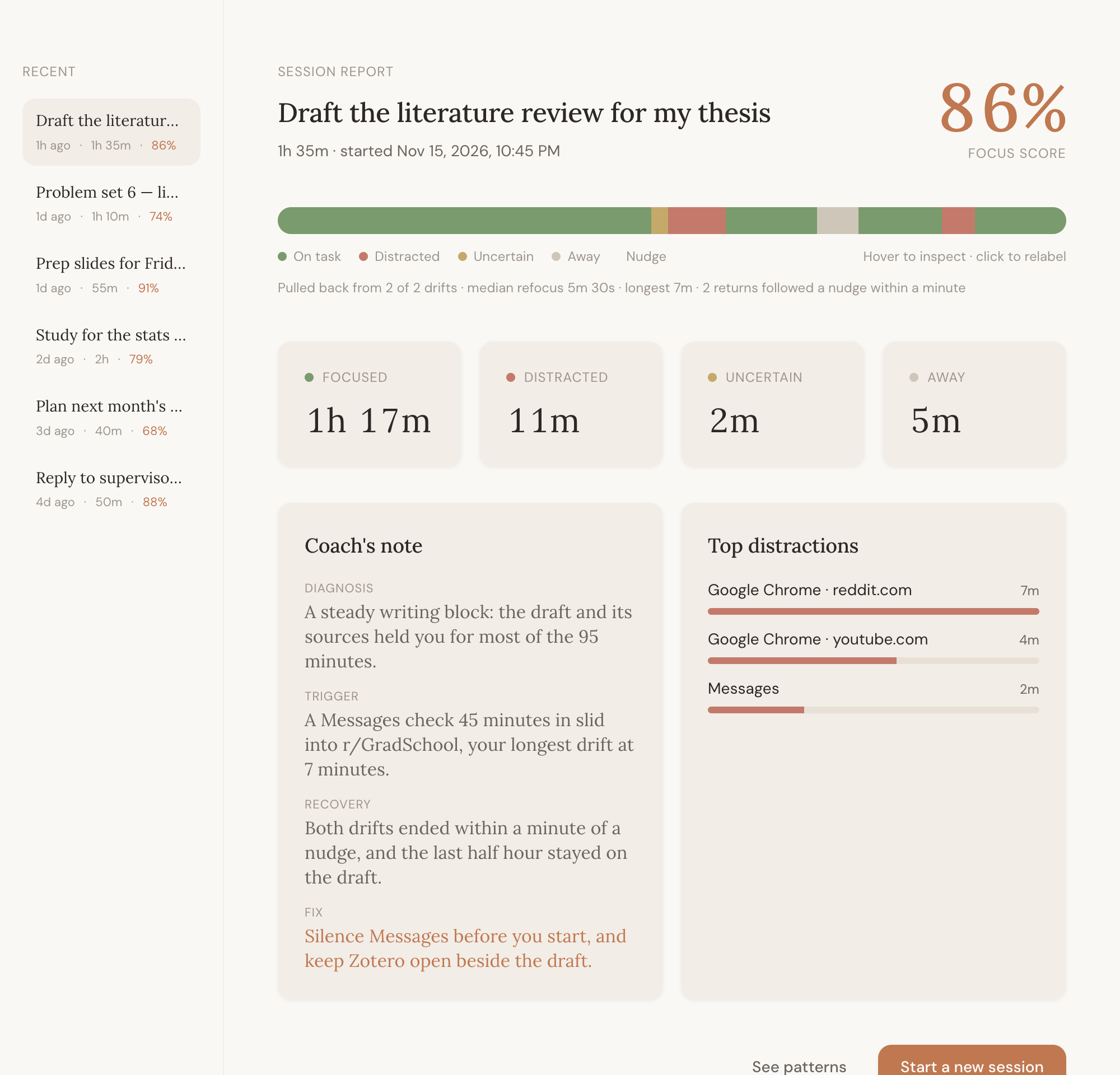
every session ends with a timeline, a focus score, your top distractions and a coach's note with one thing to try next time. click any stretch to relabel it, and niri remembers.
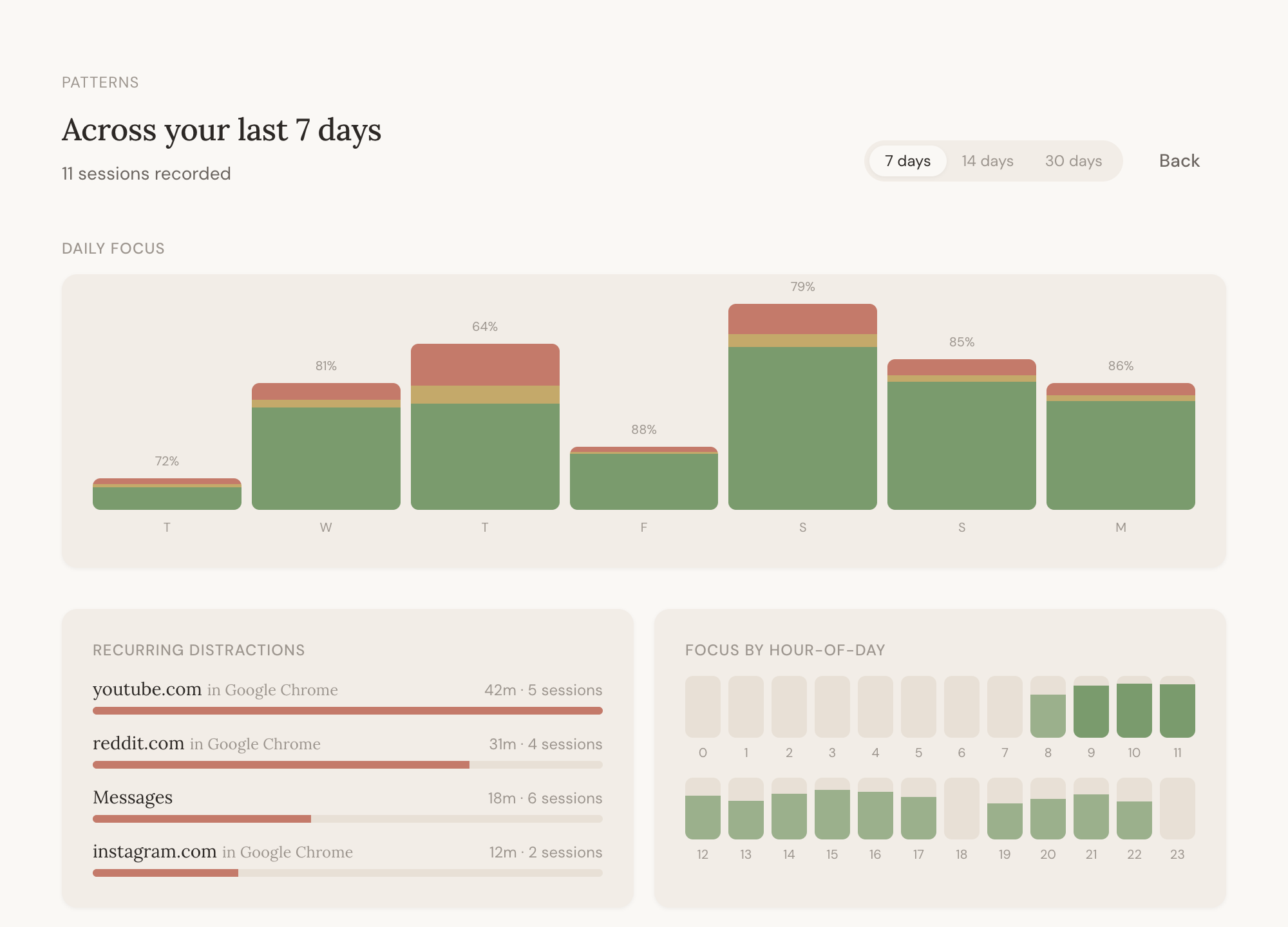
see which hours you focus best and which sites keep pulling you away, across a week or a month.
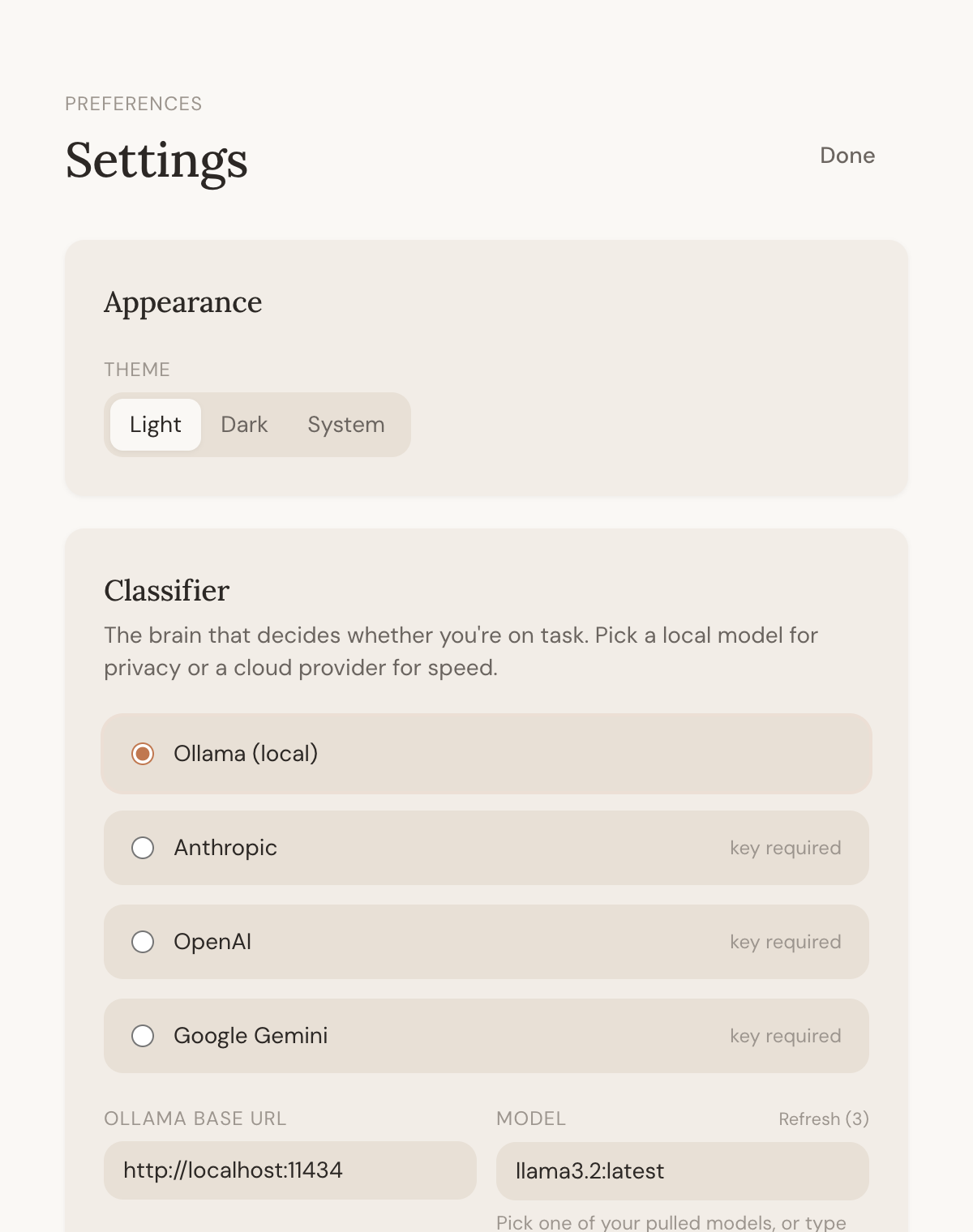
run a model on your own mac with Ollama, or use your own Anthropic, OpenAI or Gemini key. switch whenever you like.
privacy
pricing
$0
niri pro, with AI that needs no setup, is on the way.
faq
a small mac app that lives in your menu bar. you tell it what you're working on, it checks the window you're in against that goal, nudges you if you drift, and gives you a report when you're done.
no. niri only looks while a session you started is running, and then it reads the app name, window title and url. it only looks at the screen itself if you turn screenshots on in settings.
nowhere. sessions and reports stay in a database on your mac. the only thing that ever leaves is the short description sent to the AI model you chose, and with Ollama even that stays on your mac.
either one that runs on your mac through Ollama (free, private, needs some memory) or your own key from Anthropic, OpenAI or Google (works on any mac, costs a little per use with that provider). if the model can't be reached, niri falls back to simple built-in rules so it keeps working.
macOS asks you to allow Accessibility and Screen Recording. Screen Recording is how macOS lets apps read window titles; niri doesn't record video.
any mac on macOS 12 Monterey or later, apple silicon or intel. a windows version is planned.
yes. a paid plan with AI that needs no setup is coming later for people who don't want to run a model or manage a key.

one email when it launches. nothing else.